 Coming to the App Store
Open a song and start playing
Groovo splits it into instruments, shows the notes and slows down the hard part. On Mac, iPhone and iPad.
Groovo in under two minutes
From a recording to notes, practice and a finished video.
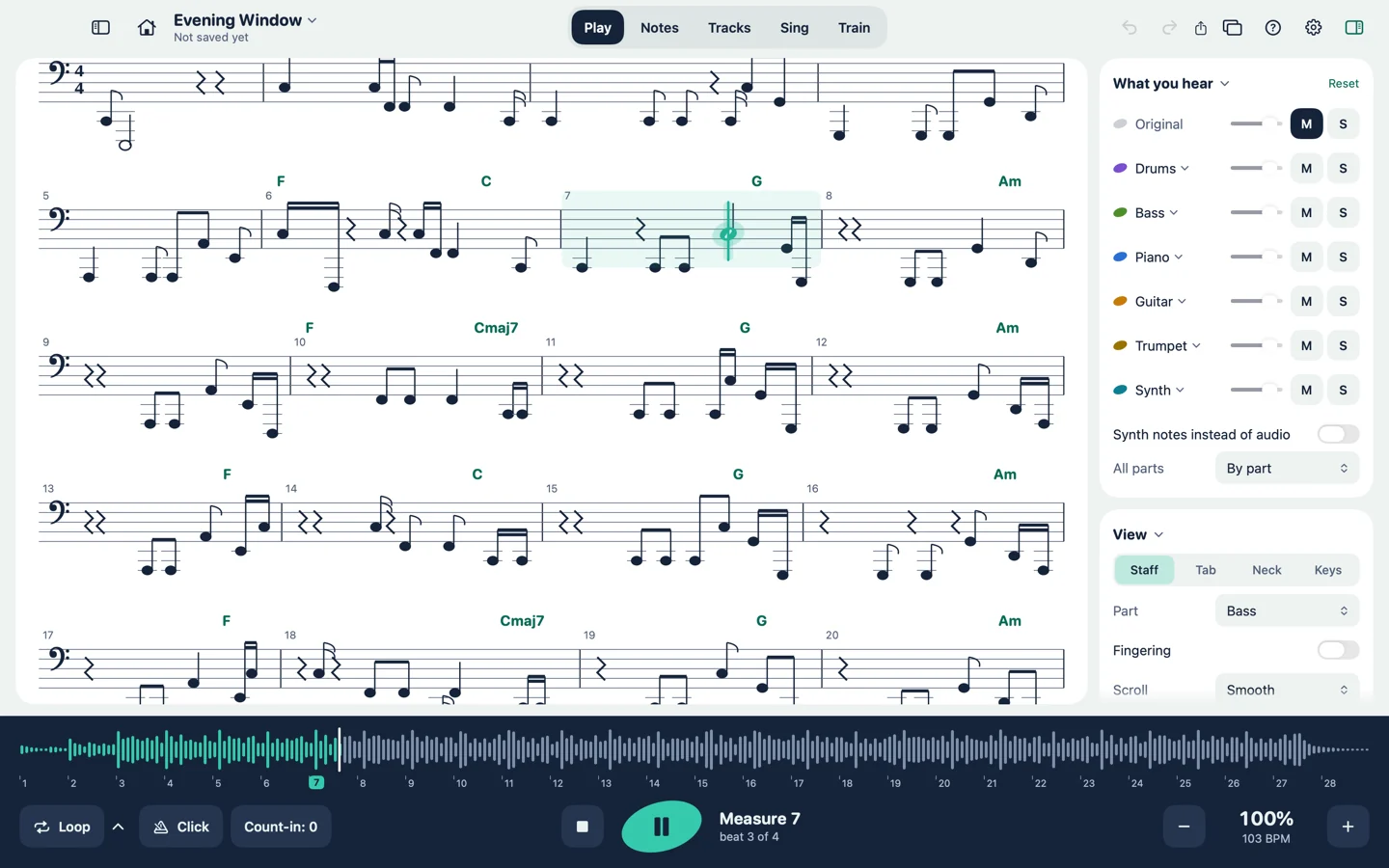
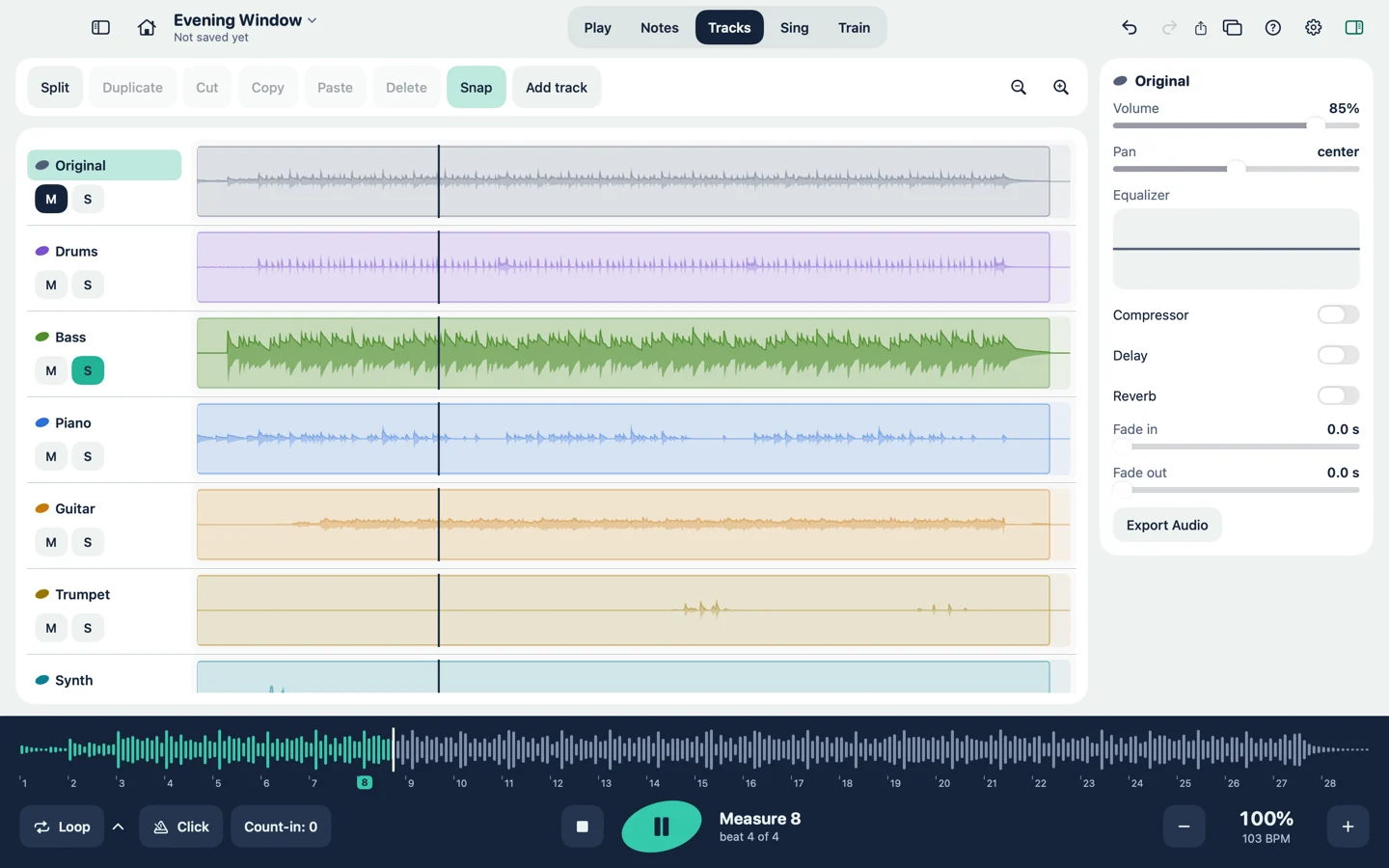
A recording becomes notes and tracks
Drop in an audio file. Groovo separates the instruments on your device and writes down what they play.
- Mute your part and play it yourself
- Chords above the staff
- Recognition is not perfect, so every note can be corrected
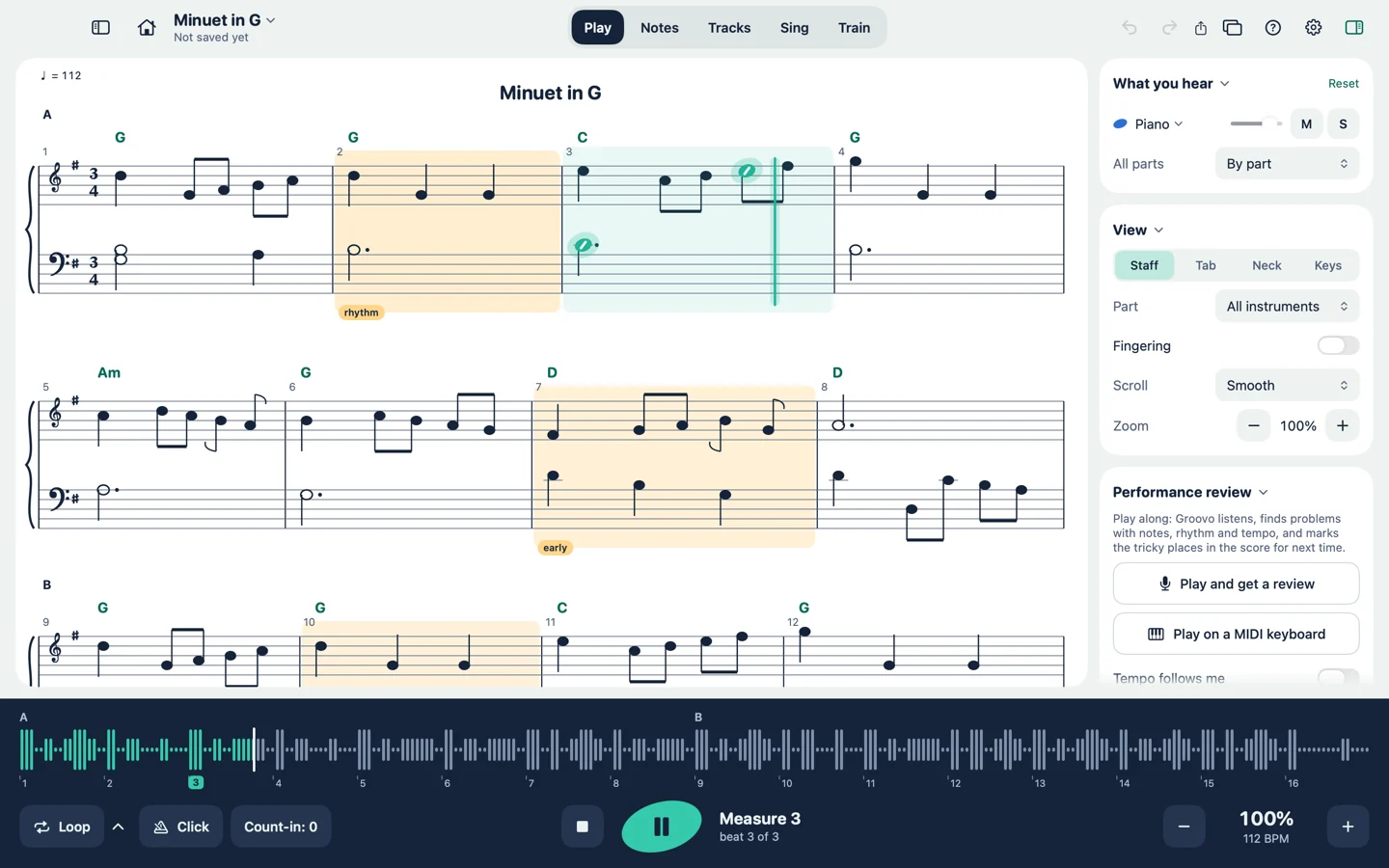
It hears how you play
Play into the microphone or on a MIDI keyboard. Groovo compares you with the score and says what to fix.
- Notes, rhythm and tempo scored separately
- A tip for every problem and one button to practise it
- Trouble spots stay marked on the notes
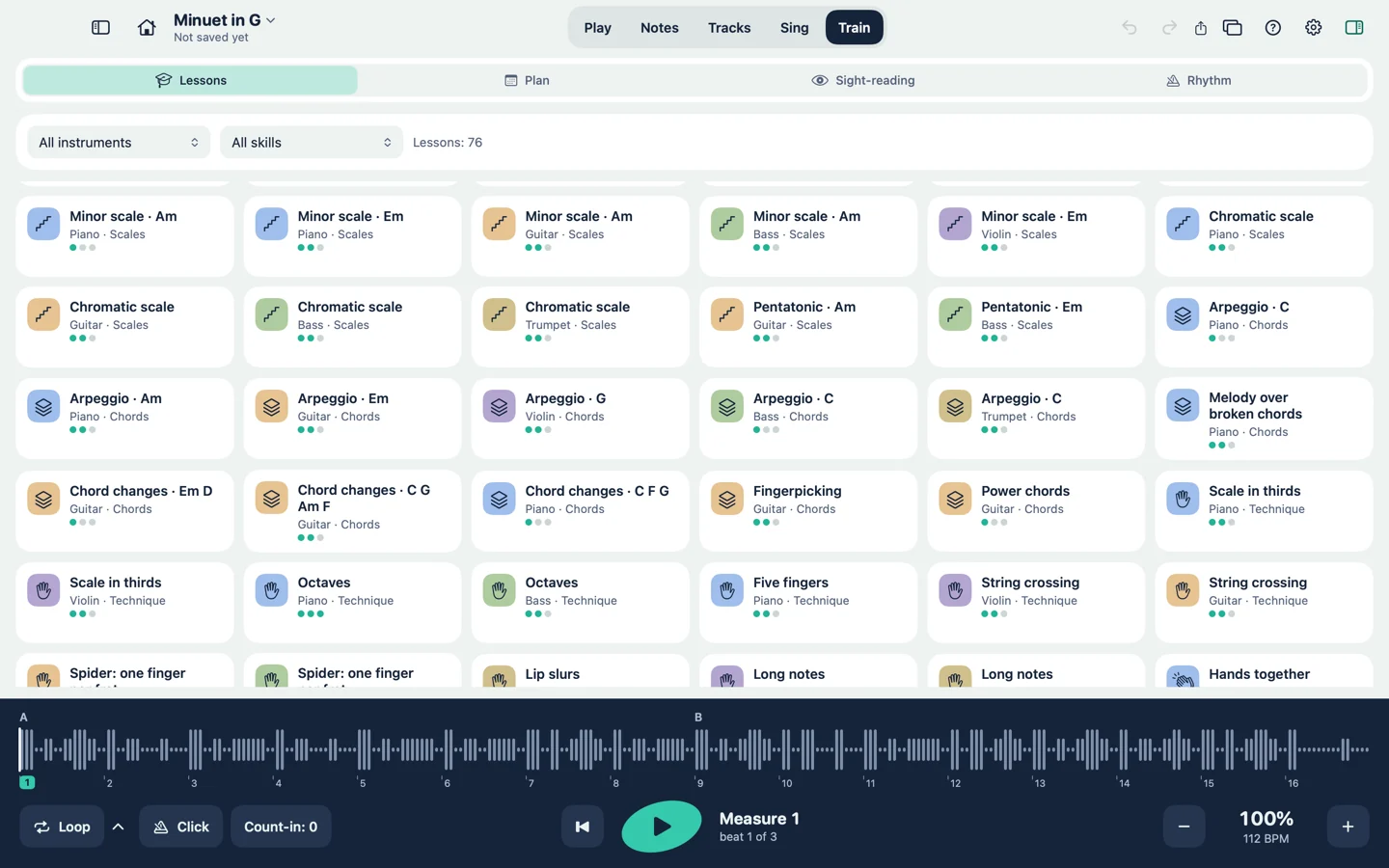
76 lessons with scoring
Scales, chords, arpeggios and technique for different instruments, plus sight-reading and rhythm.
- All lessons are free
- New sight-reading every time
- A plan that brings hard places back on time
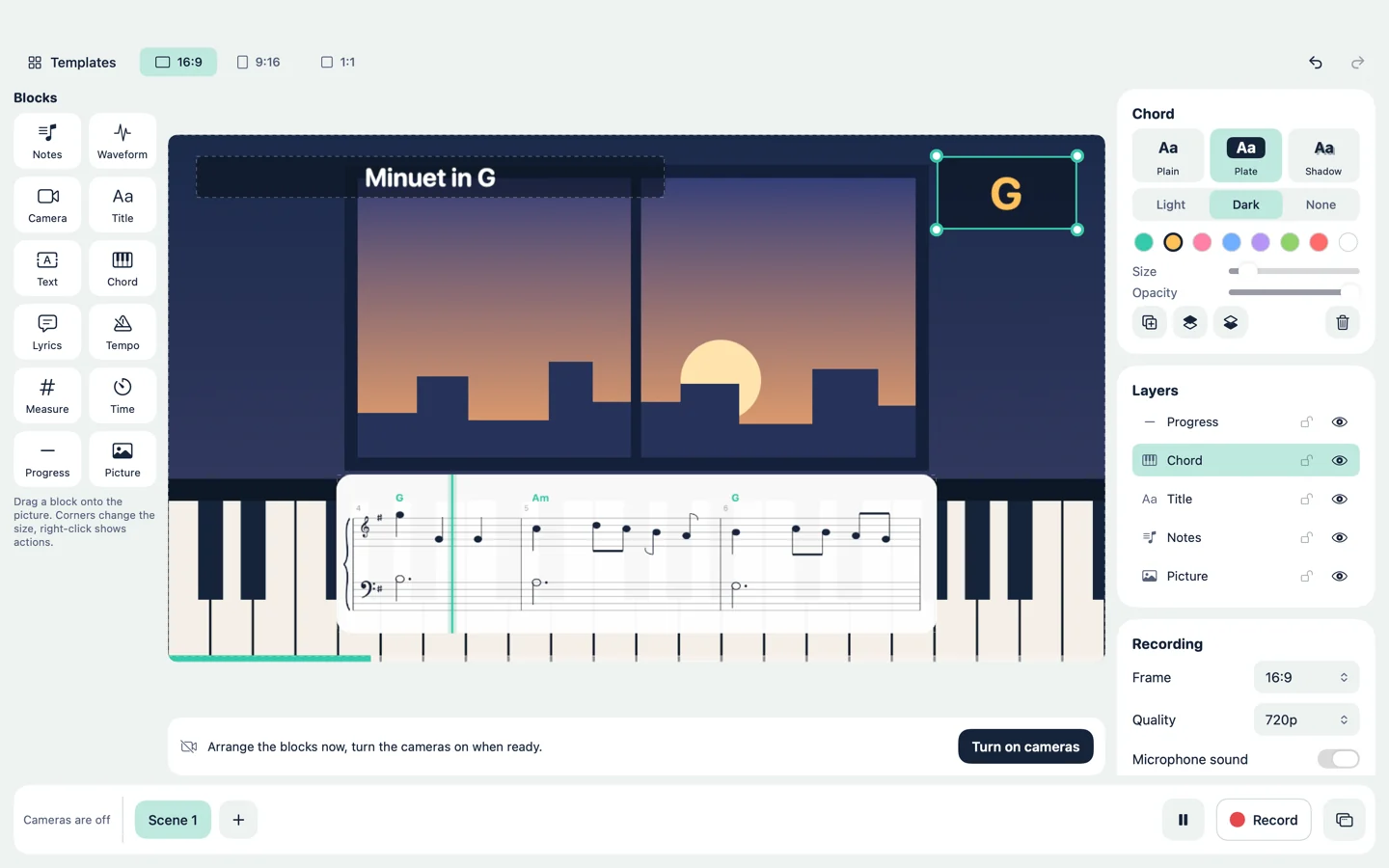
Video with running notes
Film yourself and place notes, waveform, chord and title right on the picture.
- Wide, vertical and square frames
- Several cameras and a remote on Mac with Pro
- Or export the score itself as a video
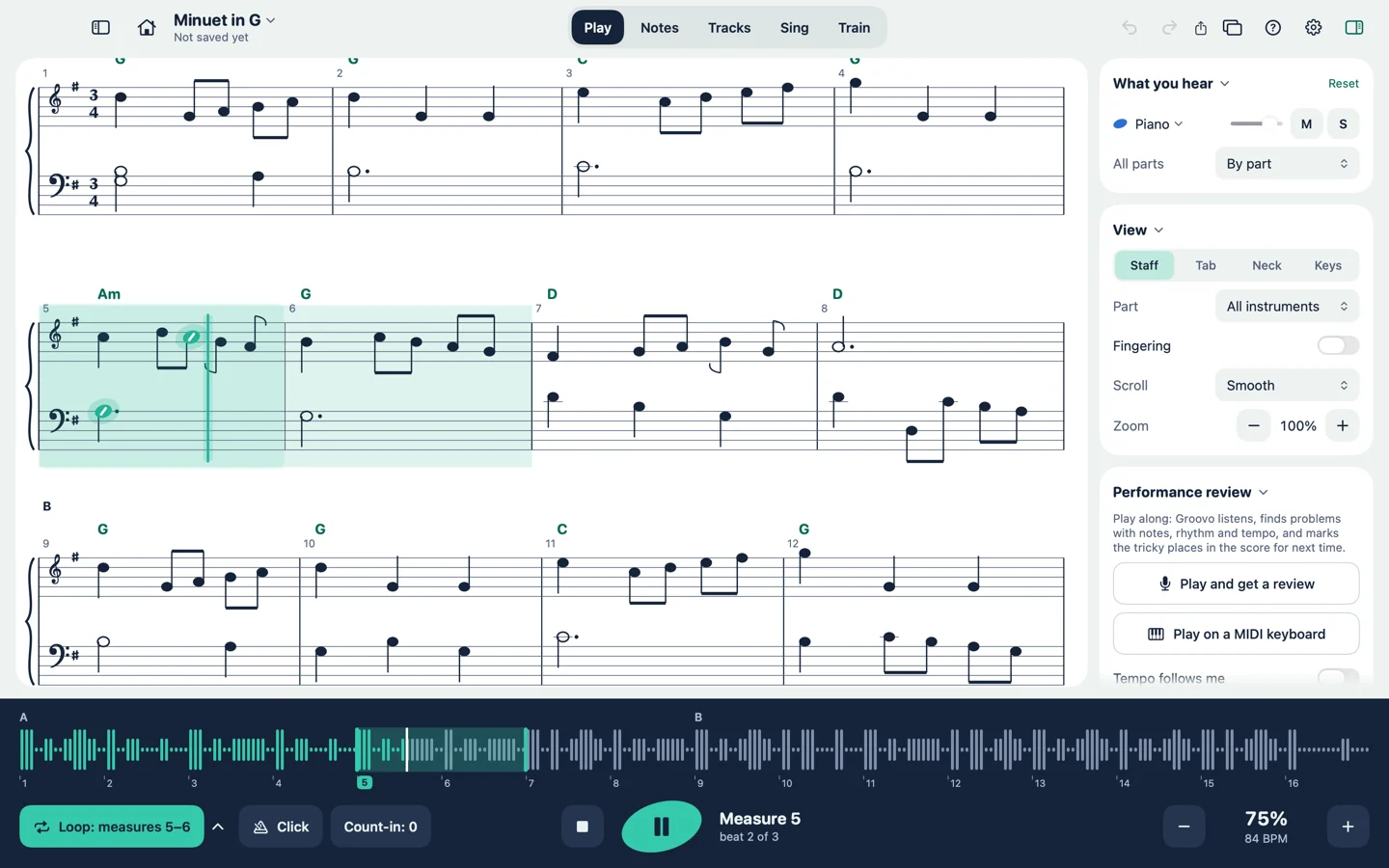
The view you read best
Notes, tab, fretboard or keys. The cursor, loop and tempo stay the same.
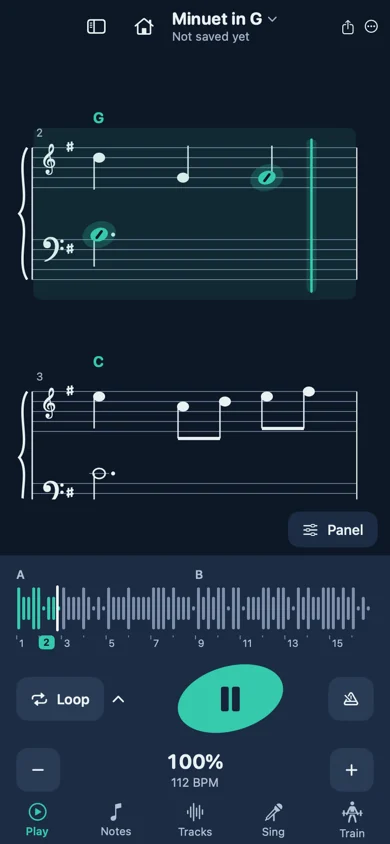
The same on iPhone and iPad
Start on the Mac, save to a .gvo file and open it on the phone. Dark paper is easier on the eyes in the evening.
Requires macOS 14, iOS 17 or iPadOS 17 and later.
And also
Opens what you have
Audio, PDF, a photo of sheet music, MusicXML, MIDI and .gvo.
Note editor
Fix what was recognised or write a new score from scratch.
Singing
See your pitch against the melody and get a score.
Tempo trainer
Speed rises after clean repeats, or playback follows you.
Second screen
Several windows on Mac, each with its own part and zoom.
Export
PDF, PNG, MusicXML, MIDI and video. Audio tracks with Pro.
Headphone delay
Set it once so the cursor matches what you hear.
17 languages
With help inside the app in each of them.
Free and Groovo Pro
Learning is free. Pro removes limits for those who work with songs every day.
| Free | Groovo Pro | |
|---|---|---|
| Notes, tab, fretboard, keys, editing, loop, slow-down, metronome | Yes | Yes |
| Lessons, sight-reading, rhythm, help, all languages | Yes | Yes |
| Songs into notes and tracks | 3 a month | No limit |
| Playing review | 1 a day | No limit |
| History and trouble spots | No | Yes |
| Export of audio tracks | No | Yes |
| Video | Up to a minute, with the Groovo mark | Any length, no mark |
| Several cameras and the remote | No | Yes |
Pro will be available as a subscription or a one-time purchase. If Pro ends, everything you made still opens and saves.
Questions
Does it need the internet?
No. Songs are separated and reviewed on your device. The internet is needed for purchases.
Where do my recordings go?
Nowhere. They stay on your device and in the files you save.
How exact are the notes from a recording?
It depends on the recording. Clear parts come out well, dense mixes need corrections. Everything can be edited.
Which instruments are supported?
Songs are split into voice, drums, bass, piano, guitar and the rest. Lessons cover piano, guitar, bass, violin, trumpet, voice and drums.
Can I use any song?
Use recordings and sheet music that you have the right to use. You are responsible for what you share.
When will it be released?
Groovo is being prepared for the App Store. This page will get the link when it is ready.
Does one purchase work on all my devices?
Yes, on your Mac, iPhone and iPad with the same Apple ID.
Any other question: support@perov.me